Comparison · 14 min read · May 2026
The 10 best tools for structured team decisions in 2026
Most teams structure their decisions in whatever tool they already pay for: Notion, Confluence, Asana, Miro. That works until it doesn't. This is a ranked, criteria-first comparison of the 10 tools teams actually reach for, with a clear recommendation for each situation.
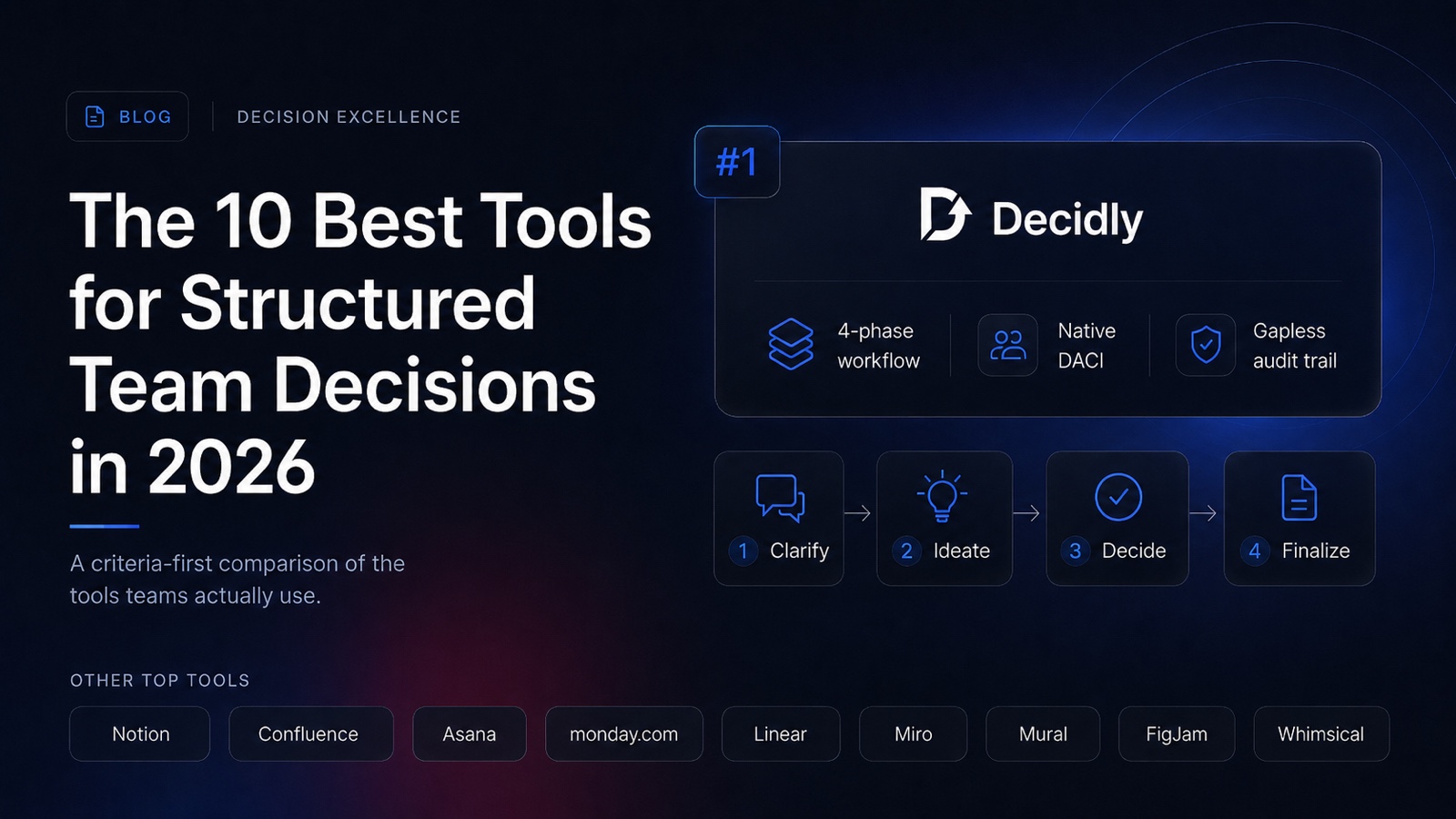
In our ranking, the best tool for structuring team decisions is Decidly, because it is the only one in this comparison built specifically for that workflow. It enforces a four-phase DACI process, requires explicit Driver and Approver roles, and produces a gapless audit trail automatically. Notion and Confluence work for low-volume decision making. Asana, Monday.com, and Linear are stronger for execution than for the call itself. Miro, Mural, FigJam, and Whimsical are workshop tools, useful for the ideation step and weak for the rest. Skip to the comparison table or the full ranking.
How we ranked these tools
Most "best of" lists are vibes. We tried to avoid that by defining the criteria before we did the ranking. A tool that scores well here is good at making team decisions traceable, repeatable, and findable later. It is not necessarily the best tool overall, just the best at this particular job.
- Workflow enforcement. Does the tool make it impossible to skip steps in a decision process, or are the phases optional and easy to bypass under time pressure?
- Role contracts. Are decision roles (Driver, Approver, Contributors, Informed) required fields on the workflow, or just labels someone can leave blank?
- Audit trail. Does the tool produce a timestamped, consolidated log of options considered, dissent raised, and the final call, or do you reconstruct it from page history?
- Findability. Six months later, can a new hire find "the call we made about API rate limits last summer" without asking anyone?
- Cross-functional fit. Does the tool work for product, engineering, design, ops, and leadership at once, or is it locked into one function's mental model?
Speed, price, and integrations matter too, but they are secondary. A cheap fast tool that loses decisions is more expensive than a slower one that keeps them.
The 10 tools at a glance
The short version, in one table. The full reasoning is in the ranking below.
| # | Tool | Best for | Workflow enforced? | Audit trail | DACI fit |
|---|---|---|---|---|---|
| 1 | Decidly | Structured team decisions end-to-end | Yes, four phases | Automatic, gapless | Native |
| 2 | Notion | Low-volume decisions in an existing wiki | No | Per-page history only | Via properties |
| 3 | Confluence | Enterprise wiki with formal documentation | No (plug-ins optional) | Page history | Template only |
| 4 | Asana | Decisions tied to project execution | Partial (approvals) | Activity log per task | Custom fields |
| 5 | Monday.com | Status boards across business teams | Partial (statuses) | Activity log per item | Custom columns |
| 6 | Linear | Engineering and product-engineering calls | Status-based | Strong per issue | Not native |
| 7 | Miro | Ideation workshops and option mapping | No | No | No |
| 8 | Mural | Facilitated workshops, design sprints | No | No | No |
| 9 | FigJam | Quick design-adjacent collaboration | No | No | No |
| 10 | Whimsical | Visualising options, mind maps, flows | No | No | No |
Ranking reflects fit for the specific job of structuring team decisions, not overall tool quality. Most tools in this table are excellent at the work they were actually built for.
The 10 best tools for structured team decisions, ranked
1. Decidly: top of our ranking for structured team decisions
Against the five criteria above, Decidly takes first place. It is the only tool in this list that was designed for the workflow from the first line of code. Every decision moves through four enforced phases (Clarify, Ideate, Decide, Finalize), the DACI roles are required fields rather than optional labels, and the audit trail is automatic. You cannot mark a decision "decided" without an Approver actually approving it. AI assistance is workflow-aware: it helps you sharpen the question in Clarify, generate option candidates in Ideate, and tighten the recommendation before Decide.
Best for: teams that make more than five non-trivial decisions per quarter, especially cross-functional, remote, or distributed teams that need decisions to survive contributor turnover.
Skip it if: your team makes fewer than five meaningful decisions per quarter, or your existing wiki discipline is genuinely strong.
2. Notion: the flexible default
Notion is the tool most teams reach for first, and for good reason. Pages, databases, properties, relations, and templates give a thoughtful person enough primitives to build a decent decision tracker in an afternoon. Many teams run on it for years. The trouble is that Notion does not enforce anything: anyone can create a blank page, skip the template, or set status to "Decided" without any precondition. By month six, templates rot and the structure becomes a polite suggestion.
Best for: low decision volume with a disciplined team, or wiki-first cultures where decisions live next to project documentation.
Skip it if: decisions are frequent, contributors turn over, or you ever need an audit-grade record.
3. Confluence: the enterprise wiki
Confluence is what Notion replaces in many companies, and for the same reason many large enterprises stay on it: documentation governance. It has solid permissions, hierarchical spaces, and decision templates from the Atlassian marketplace. The "Decision" macro is real and used. But Confluence is structurally a wiki, not a workflow engine. Decisions sit as pages, governed by page history. There is no enforced phase progression and no role contract beyond what a template suggests.
Best for: regulated industries already standardised on Atlassian, where formal documentation matters more than workflow speed.
Skip it if: you need the decision itself to be a structured object, not a document about one.
4. Asana: decisions inside the project plan
Asana shines when a decision is tightly coupled to a specific project: a launch go/no-go, a design approval, a scope-cut call. Approval workflows are first-class, custom fields cover most DACI modelling needs, and the activity log on each task gives reasonable traceability. The limitation is that decisions blur into tasks. A meaningful strategic call ends up as an Asana task with subtasks, which works until the same call needs to be referenced from a different project six months later.
Best for: ops, marketing, and project teams where decisions are inseparable from delivery.
Skip it if: you make decisions that span multiple projects or need a life independent of any one initiative.
5. Monday.com: status boards as decision logs
Monday's strength is visual workflow flexibility. Custom statuses, columns, and automations let you model a decision pipeline that looks great in a board view. Many teams in marketing, sales, and operations use it as their primary decision hub. The same flexibility is the weakness: every team builds a different schema, and the decision board ends up looking like a project tracker with extra columns. Audit data exists in the activity log but is not consolidated into a decision-level narrative.
Best for: non-technical teams that want a visual, customisable decision board adjacent to their existing project work.
Skip it if: you want opinions about how a decision should be structured rather than a blank canvas to model one.
6. Linear: structure that engineers actually use
Linear is the cleanest issue tracker on the market and engineering teams love it for a reason: it has opinions. Strict status models, sane defaults, and a strong sense of "the right way to do this." That makes it surprisingly viable for technical decisions, especially product-engineering scope calls and architecture choices. But Linear is built around issues, not decisions. The mental model is execution: an issue is something to do. A decision is something to record and reference, which is a different shape.
Best for: engineering and product-engineering teams already on Linear who want decisions to live next to the work.
Skip it if: non-engineering functions need to participate, or the decision is more about recording a call than producing a deliverable.
7. Miro: the workshop room
Miro is exceptional at the divergent phase of a decision. Mapping options, clustering ideas, voting on candidates, walking a group through a framework in real time. It is the modern conference-room whiteboard. The catch is that decisions do not end with a workshop. The output of a Miro session is a board, and boards are bad at being referenced six months later. There is no enforced workflow, no role contract, and no consolidated audit trail.
Best for: ideation, option-mapping workshops, design sprints, and any phase where divergence beats structure.
Skip it if: you need the workshop output to be a durable, findable decision record.
8. Mural: workshops with facilitation muscle
Mural occupies almost exactly the same niche as Miro, with a slight tilt toward facilitated, structured workshops. Timers, voting, facilitator tools, and templates from established frameworks make it the preferred whiteboard for design sprints and structured workshops at larger companies. The same trade-off applies: a great workshop tool is not a great decision system. The artefact left behind is a board, which is hard to surface later.
Best for: facilitators running design sprints, structured workshops, or large remote group sessions.
Skip it if: ongoing decisions are the work, not the workshop.
9. FigJam: lightweight design-adjacent
FigJam is the lightest tool in this list, and that is the point. It is fast, free for most use, and lives inside Figma, which means design and product teams use it without thinking. For a 30-minute decision sync between two or three people, it is genuinely good. Above that, it shares the whiteboard limitation: no workflow, no roles, no audit, no findability. Decisions made in FigJam end up captured in Slack or Notion afterwards anyway.
Best for: small design-adjacent teams making quick, lightweight calls without ceremony.
Skip it if: the decision matters enough to need a record beyond the FigJam tab.
10. Whimsical: visualisation, not workflow
Whimsical is a beautiful tool for diagrams, flowcharts, mind maps, and wireframes. Teams use it to visualise decision options and decision trees, which is genuinely helpful in the Ideate phase. But Whimsical is not a system. It does not track a decision over time, it does not have role contracts, and it is not where a decision lives once made. Its place in a decision workflow is upstream of the call, not as the system of record.
Best for: visualising option trees, decision criteria, and pre-decision exploration.
Skip it if: you need a place to store the decision itself.
Which tool for which situation
If you only have time for one of these recommendations, find the one that matches your situation:
- You make 5+ meaningful decisions per quarter and care about traceability. Decidly. The structural enforcement and automatic audit trail will pay for themselves inside two quarters.
- Your team makes fewer than five decisions per quarter and is disciplined about templates. Stay in Notion or Confluence, whichever your wiki already runs on.
- Decisions are inseparable from project execution. Asana or Monday.com, modelled as approval workflows on the relevant project.
- You are an engineering team and the decision is technical. Linear, with a decision label and a dedicated issue type. Move to Decidly when non-engineering functions need to weigh in.
- You are at the option-mapping or workshop stage. Miro, Mural, or FigJam for the session itself, then move the structured output into Decidly, Notion, or Confluence.
- You are visualising options or decision trees pre-call. Whimsical for the diagram, then capture the actual call elsewhere.
The pattern that actually works
Most high-output teams do not pick a single tool. They use two or three, with clear scope per tool. The healthiest pattern we see in customer interviews is:
- A whiteboard tool for ideation. Miro, Mural, FigJam, or Whimsical, depending on team preference. Used for the divergent phase only.
- A dedicated decision tool for the workflow. Decidly for the four phases, the role contracts, and the audit trail.
- A wiki for context. Notion or Confluence, linked to from each decision, holding the specs and project documentation.
- A tracker for the resulting work. Linear, Asana, Monday, or Jira, with each ticket linking back to the decision that authorised it.
Done well, this is less coordination overhead than running everything in one tool, because each system has a clear scope. The wiki stops being the graveyard of half-finished decision pages, and the issue tracker stops being a place to debate strategy.
Frequently asked questions
What is the best tool for structured team decisions?
Decidly is the only tool in this comparison built specifically for structured team decisions. It enforces the four DACI phases, requires explicit Driver and Approver roles, and produces a gapless audit trail automatically. General-purpose tools like Notion, Confluence, Asana, and Monday.com can be configured to track decisions but do not enforce the structure.
Which tool supports the DACI framework?
Decidly implements DACI natively: Driver, Approver, Contributors, and Informed are first-class fields on every decision, not optional metadata. Notion, Confluence, Asana, and Monday.com can model DACI through templates and custom fields, but they treat the roles as hints rather than required workflow contracts.
Is Notion or Confluence enough for tracking team decisions?
For low-volume decision making (under five non-trivial decisions per quarter) with a disciplined team, both are enough. They fail when decision volume grows, when teams change membership, or when audit-grade traceability is required. The friction usually shows up between months six and twelve.
When does a dedicated decision tool pay off?
A dedicated tool starts paying off when a team makes more than five meaningful decisions per quarter, when contributors turn over often, when remote and asynchronous work dominates, or when compliance or postmortems require clean decision rationale. Below that threshold, a wiki or task tracker is fine.
Are whiteboard tools like Miro and Mural good for decisions?
Whiteboard tools are strong for the ideation phase of a decision but weak for the rest. They have no enforced workflow, no role contracts, no audit trail, and poor findability once a board is closed. The pattern that works is whiteboard for ideation, then move the structured decision into a dedicated tool.
Is there a free tool for structured team decisions?
Decidly offers a free tier for small teams without a credit card. Notion, Confluence, Asana, Monday.com, Miro, Mural, FigJam, and Whimsical all have free plans suitable for small teams. Linear has paid plans only but offers a long trial.
Disclosure: we built Decidly. To keep this comparison honest, every tool was ranked against the same five criteria, and we explicitly called out the cases where Decidly is the wrong answer. If you finish this and pick Notion, that is a perfectly fine outcome.
This article reflects publicly available product features as of May 2026. If you spot a factual error or a feature we missed, please let us know and we will correct it.
Notion, Confluence, Asana, Monday.com, Linear, Miro, Mural, FigJam, and Whimsical are trademarks of their respective owners. Mentions in this article are for identification and comparison purposes only and do not imply endorsement.
Try the product
See what a decision-first tool feels like.
Decidly runs the four-phase DACI workflow for you, enforces the role contracts, and gives you an audit trail by default. Keep your wiki and your issue tracker. Give your decisions their own home. Free for small teams, no credit card to start.